UI/UX DESIGN SERVICES
UI and UX design for web and mobile products. User research, interactive prototypes, and design systems that hand off clean to engineering. We're the engineers who have to build them, so they do. AI can generate a screen; it can't sit with your users.

Design work we have shipped
Interfaces and brand systems we designed, then built, and still maintain.
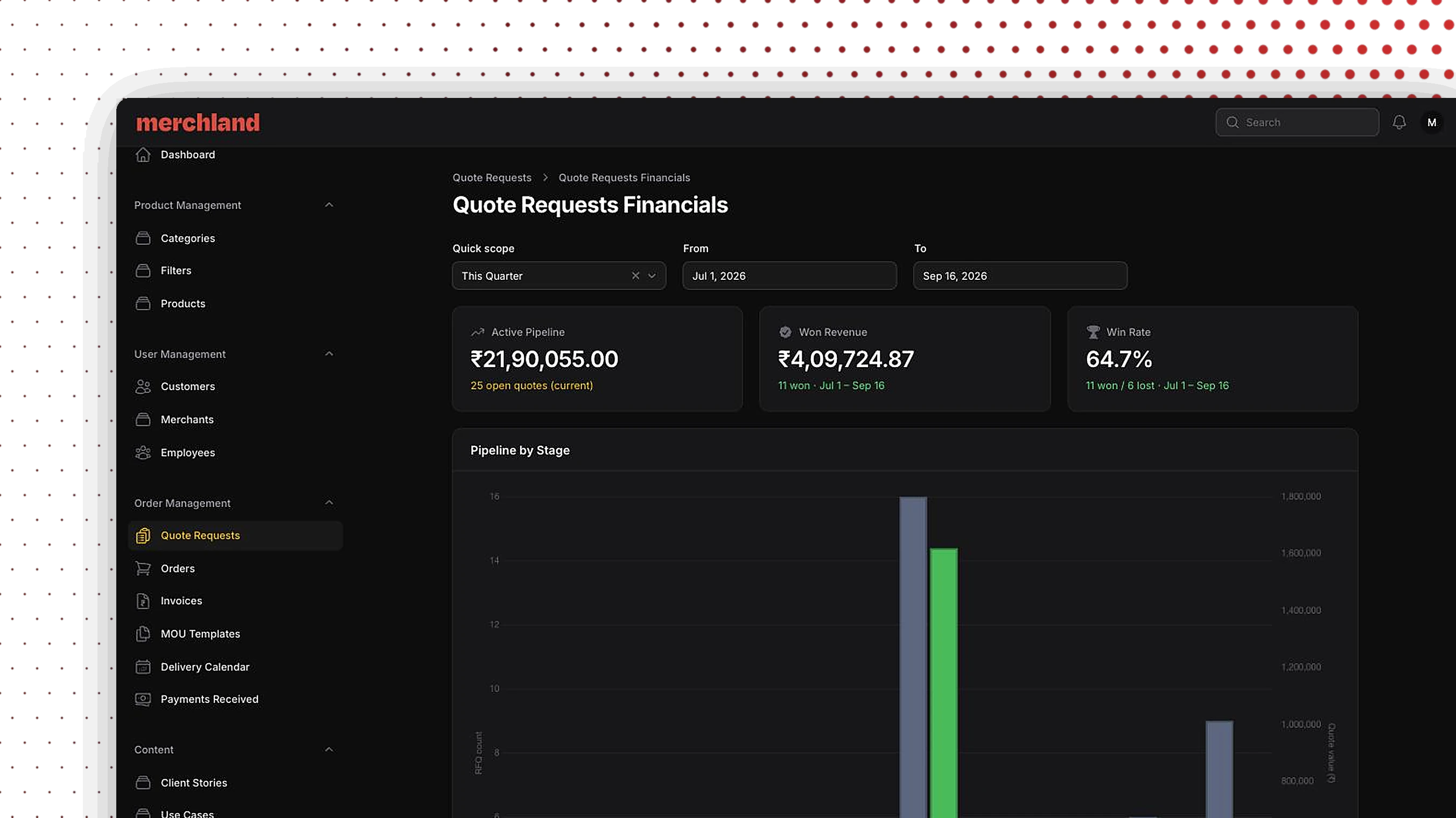
Merchland
B2B marketplace with a quote-to-order ERP
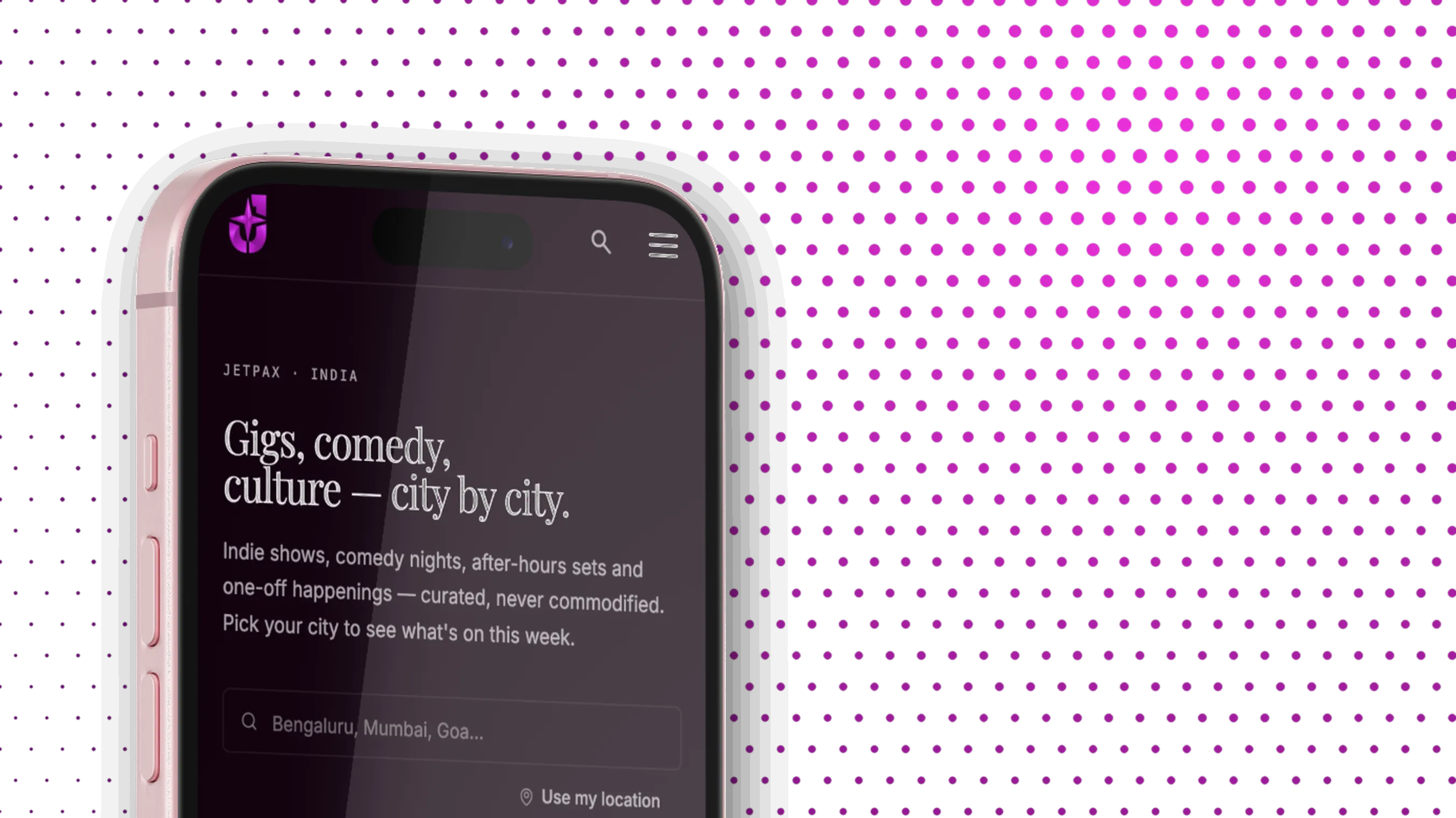
JetPax
Ticketing platform and ERP back office for India's live events
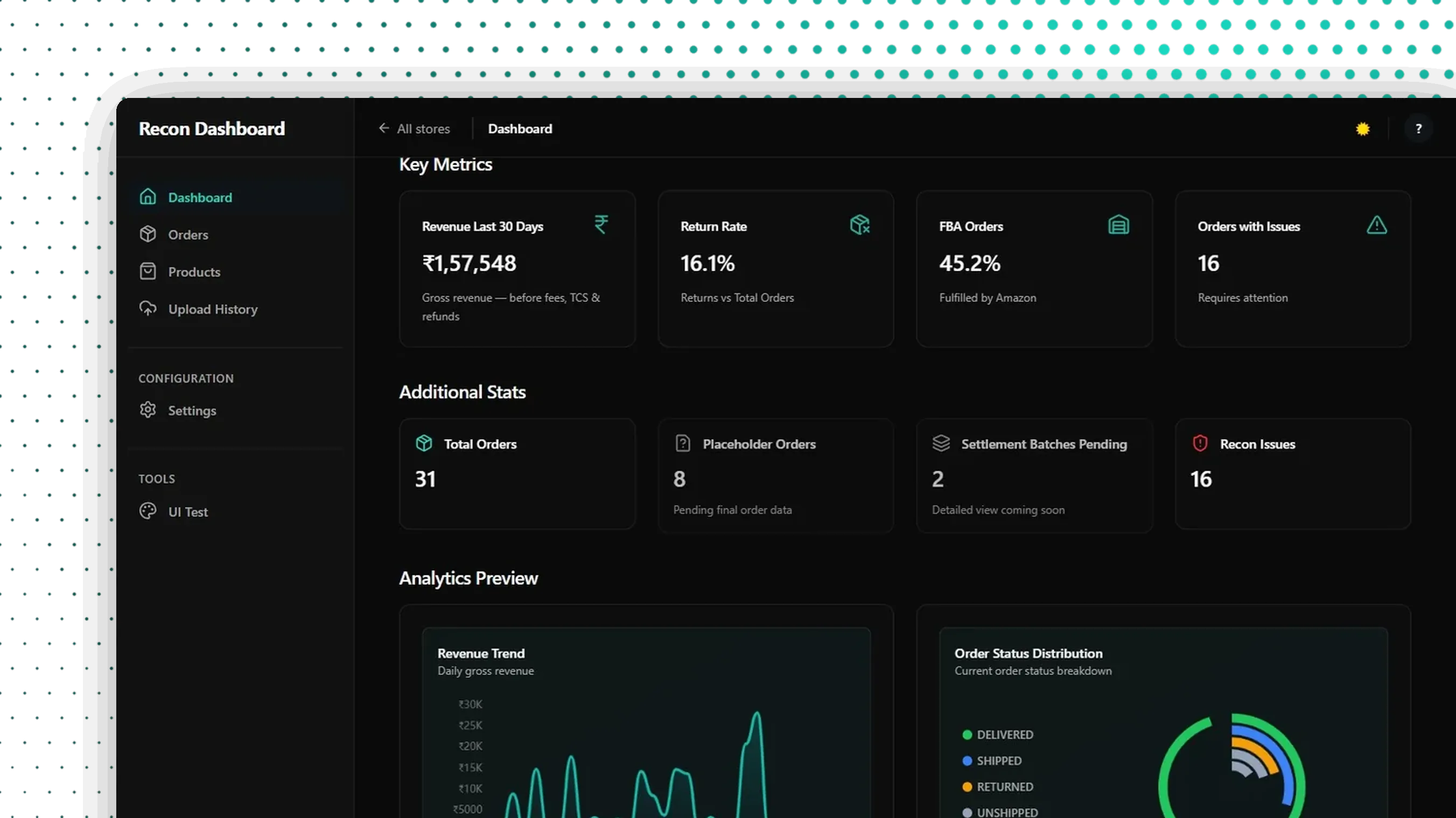
RecoBean
Multi-tenant SaaS for marketplace settlement reconciliation
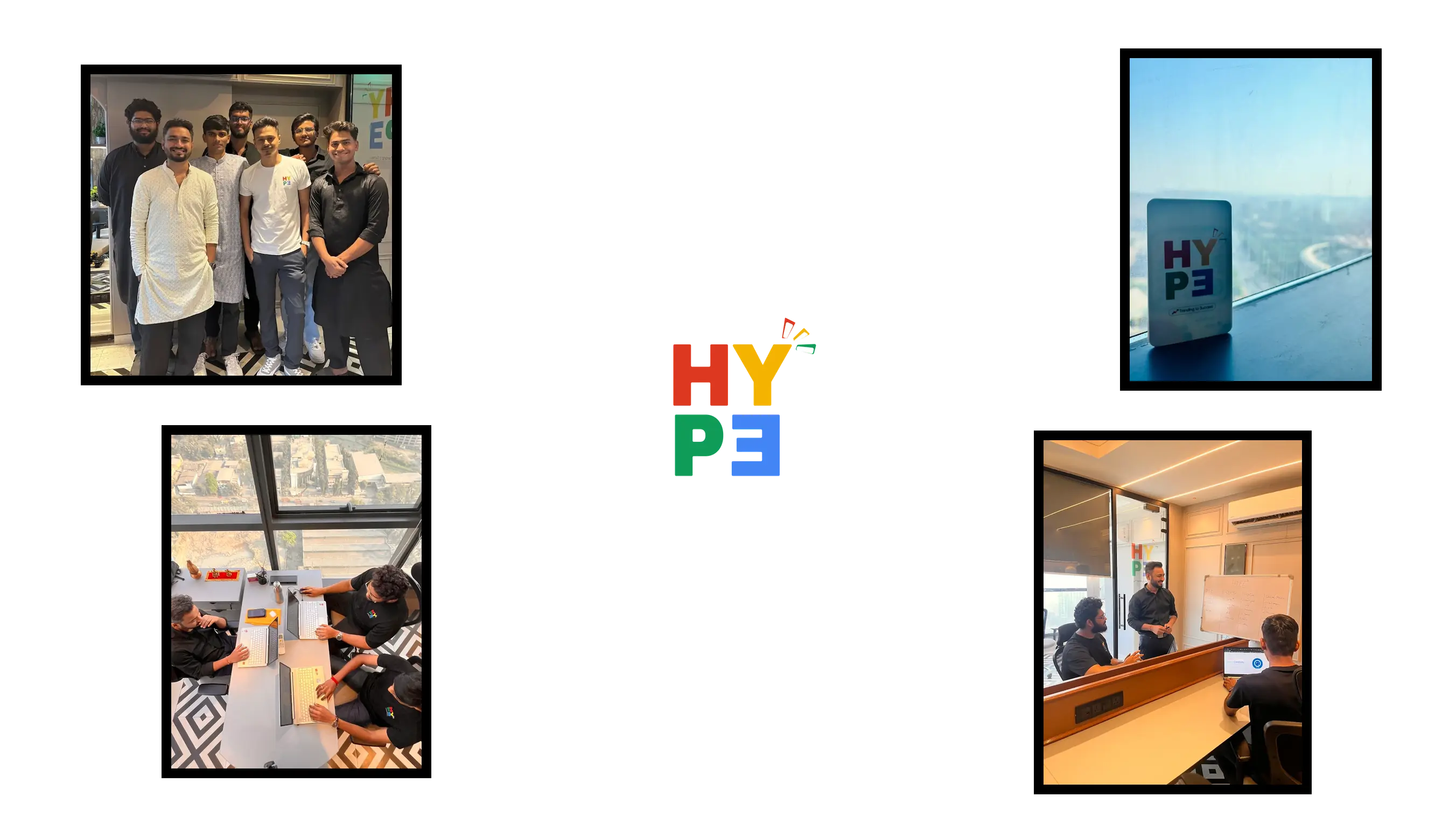
Hype
Brand system and motion-driven site for a creative agency
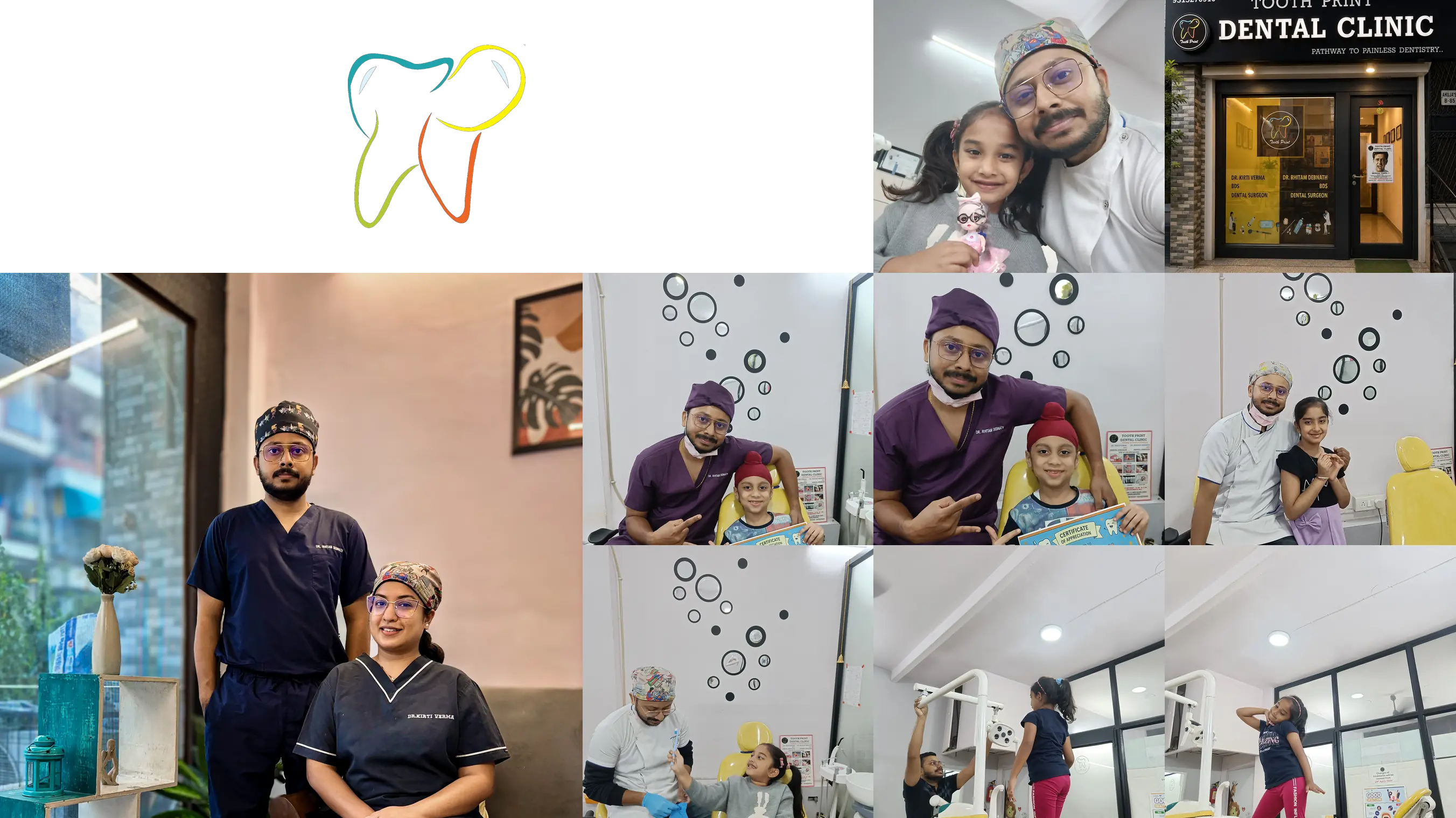
Tooth Print
AI-search-ready website and CMS for a dental clinic
UX DESIGN SERVICES
Three stages: strategy, craft and scale. Most projects need all three; some start with an audit.
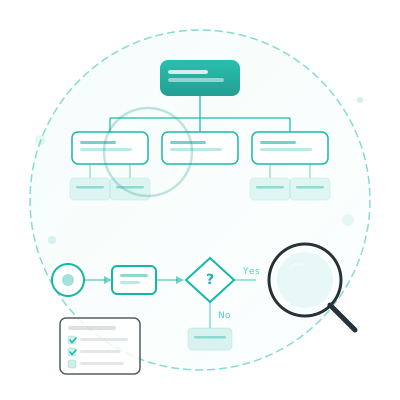
Strategy
- UX AuditsEvaluate existing products against usability heuristics to uncover quick wins
- Information ArchitectureOrganize content and navigation so users find what they need effortlessly
- User Flows & JourneysMap end-to-end task flows to eliminate dead ends and reduce drop-off
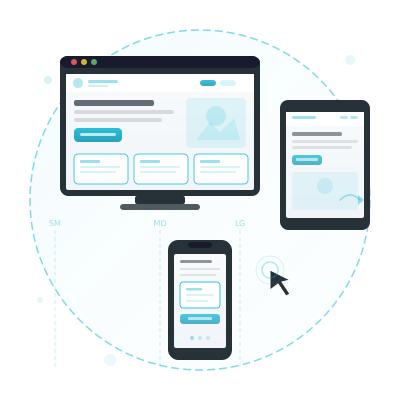
Craft
- UI DesignPixel-perfect interfaces with consistent visual language and brand identity
- Interaction DesignMicro-interactions, transitions, and gestures that feel natural and responsive
- Responsive & Cross-PlatformOne layout system that holds from phone to desktop, tested at every breakpoint.
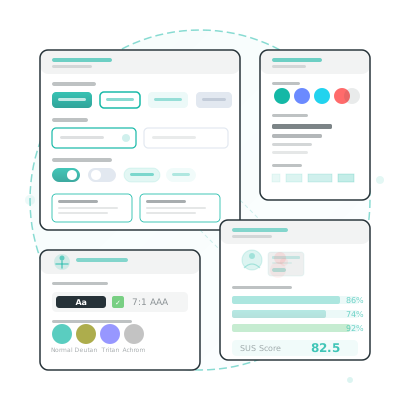
Scale
- Design SystemsReusable component libraries and tokens for consistent cross-team output
- Accessibility (WCAG)Inclusive designs built to WCAG 2.1 AA: colour, contrast, and assistive tech
- Usability TestingModerated and unmoderated test sessions with real users to validate design decisions
FIVE-STEP UX DESIGN PROCESS
Five steps, each ending in something you can review. We test with real users before a line of production code is written.
Discovery & Scoping
We start with stakeholder workshops to agree on goals, constraints and success metrics, so design starts from a shared understanding.
- Stakeholder Workshops: Collaborative sessions with your team to surface priorities, pain points, and business context.
- Success Metrics: Define measurable KPIs, such as task completion rate, time-on-task and conversion, to judge the design against.
- Scope & Timeline: Agree on deliverables, phases, and milestones so expectations are clear from day one.
User Research
We go to your users directly. Watching real behaviour turns up what survey data alone can't.
- Contextual Inquiry: Observe users in their natural environment to understand how they actually use existing tools.
- Interviews & Surveys: One-on-one conversations and targeted questionnaires to capture needs, frustrations, and goals.
- Card Sorting & Tree Testing: Validate navigation structures and content groupings with real participants before designing.
Synthesis & Modeling
We turn raw research into personas, journey maps and opportunity maps that keep the team agreed on who we're designing for.
- Persona Development: Data-backed archetypes representing your core user segments, their goals, and pain points.
- Journey Mapping: Visualize the end-to-end experience across touchpoints to spotlight friction and drop-off.
- Opportunity Framing: Translate pain points into design opportunities ranked by user impact and business value.
Design & Prototype
We move from low-fidelity sketches to interactive prototypes fast, so you can see and feel the product before any code is written.
- Wireframing: Rapid low-fidelity layouts to explore structure, hierarchy, and flow without visual distraction.
- High-Fidelity Mockups: Polished screens in Figma incorporating your brand, typography, and component library.
- Interactive Prototyping: Clickable prototypes simulating real user flows for stakeholder review and testing.
Test & Iterate
We put designs in front of real users, measure what works and refine. Then we repeat until it meets our quality bar and your KPIs.
- Moderated Testing: Facilitated sessions where users complete key tasks while we observe and probe their thought process.
- A/B & Preference Testing: Compare design alternatives with quantitative data to make confident decisions.
- Iteration Cycles: Rapid design updates until the test findings stop changing the design.
UI/UX DESIGN USE CASES
Example projects, described the way we'd scope them. These are patterns, not named client results.
E-commerce Checkout Redesign
A store gets plenty of traffic, but shoppers leave at the cart. The checkout is where the money is lost.
Solution
- User research on where and why shoppers drop off
- A layout that gets shoppers to the product in fewer taps
- A shorter checkout with fewer fields
- Mobile layouts tested on real phones, not just a resized browser
Benefits
- More visits that end in an order
- Fewer carts abandoned at checkout
- A store shoppers find easy to come back to
- A checkout you can keep testing and improving
Mobile App Onboarding and Retention
A startup's app gets downloads, but users don't come back after the first session.
Solution
- Journey analysis to find where new users give up
- An onboarding flow that gets users to the first useful moment quickly
- Navigation rebuilt around the tasks users open the app for
- In-app feedback so the next release fixes what users actually hit
Benefits
- More users still active after the first week
- Store reviews that mention the app, not the bugs
- A roadmap set by user feedback, not guesswork
- An app people recommend without being asked
Enterprise Software Redesign
Staff fight an internal system every day. Simple tasks take too many screens, and mistakes creep into the data.
Solution
- Usability testing with the people who use it daily
- Screens redesigned around how the work actually flows
- WCAG 2.1 AA accessibility built in
- User guides and short tutorials for new staff
Benefits
- Common tasks done in fewer steps
- New staff trained faster
- A tool staff stop working around
- Fewer data-entry errors
TECHNOLOGIES WE USE
Figma is where the work lives. The rest of the kit handles icons, illustration and image assets.

Figma
Collaborative interface design for wireframes, prototypes, and high-fidelity designs.

Sketch
Digital design toolkit for creating wireframes, mockups, and prototypes.

Adobe Illustrator
Vector graphics editor for creating icons, logos, and detailed illustrations.

Adobe Photoshop
Image editing for UI elements and visual assets.
DESIGN SYSTEMS WE FOLLOW
OUR DESIGN PRINCIPLES
WHY CHOOSE IOTRON?
AI can write code. It can't own an architecture. Six things we do that a prompt doesn't, and you can check each one against work we've shipped.
Eight Years in Production
Eight years and 50+ projects: ERP and financial systems, order management, e-commerce platforms, games.
Designed Before It's Built
The data model and the system boundaries are agreed and written down before sprint one, around your process rather than a licence's. Version two extends the system instead of rewriting it.
The Stack Follows the Problem
PHP (Laravel, Filament), JavaScript and TypeScript (Nuxt, Vue, React, Node), Python (Django), Java (Spring), C# (Unity). The systems can be built in any of them; the stack follows the problem, not habit. On an existing codebase, we work in what's already there.
Working Software From Week 2
Two-week sprints, working software from week 2. A focused MVP takes 8-12 weeks; a full platform takes 4-8 months.
Tested Before It Ships
Automated tests and code review on every merge. Hype's platform ships with 88 backend tests across 20 feature suites, including one that fails if a page starts issuing more database queries than it should.
Engineers Own Every Merge
We use AI for scaffolding, test drafts and code search. Engineers own the architecture and every merge, and you get weekly demos and a direct channel to them.
Questions buyers ask
What does your UX design process look like?
Five steps: discovery and scoping, user research, synthesis into personas and journey maps, design and interactive prototyping in Figma, then usability testing and iteration. You validate the design with real users before development starts.
Do you do UX design only or also development?
Both. We can hand over a standalone Figma design with a full handoff, or design and build the product ourselves. Doing both removes the step where a design gets reinterpreted during development.
How do you ensure designs are accessible?
We design to WCAG 2.1 AA from the start: contrast ratios, keyboard navigation, screen reader support and semantic HTML. Accessibility is on our design review checklist, not left for the end.
What tools do you use for UI/UX design?
Figma for design and prototyping, and FigJam for workshops. We deliver interactive prototypes you can click through on any device.
Do you offer mobile app UI/UX design services?
Yes. We design iOS and Android apps from user research through Figma prototypes and a design system, then hand off to our own engineers or yours. You can click through the prototype on your own phone before any code is written.
SEE WHERE YOUR FLOWBREAKS
Send us the product your users struggle with. We'll run a free UX audit and show you where the flow breaks before you commit to a redesign.